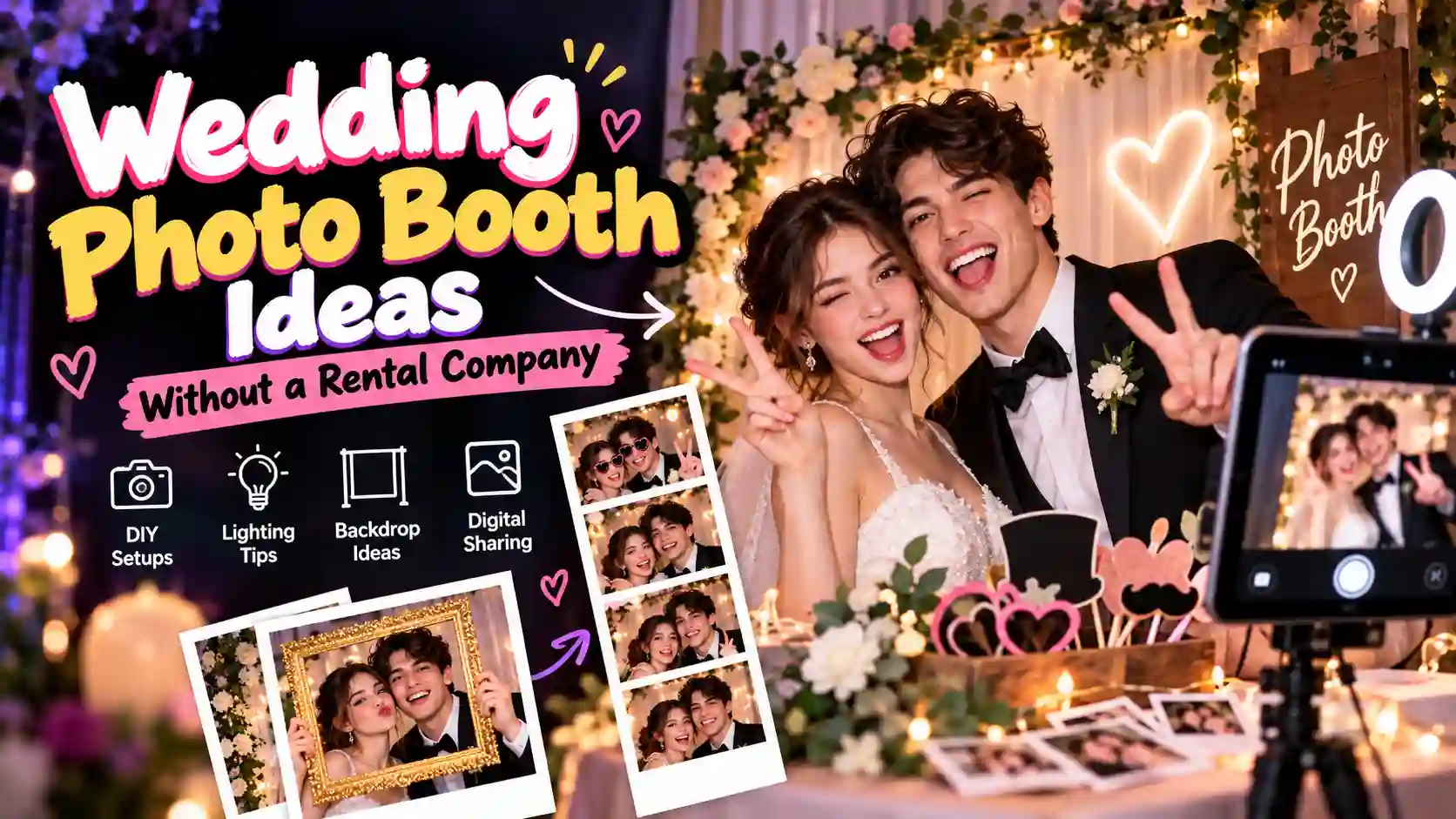
How to Get a Photo Booth at Your Event Without Paying £500
You don’t need to spend £500 on a photo booth. Learn simple DIY and self-service options for weddings, birthdays, parties, and other events.
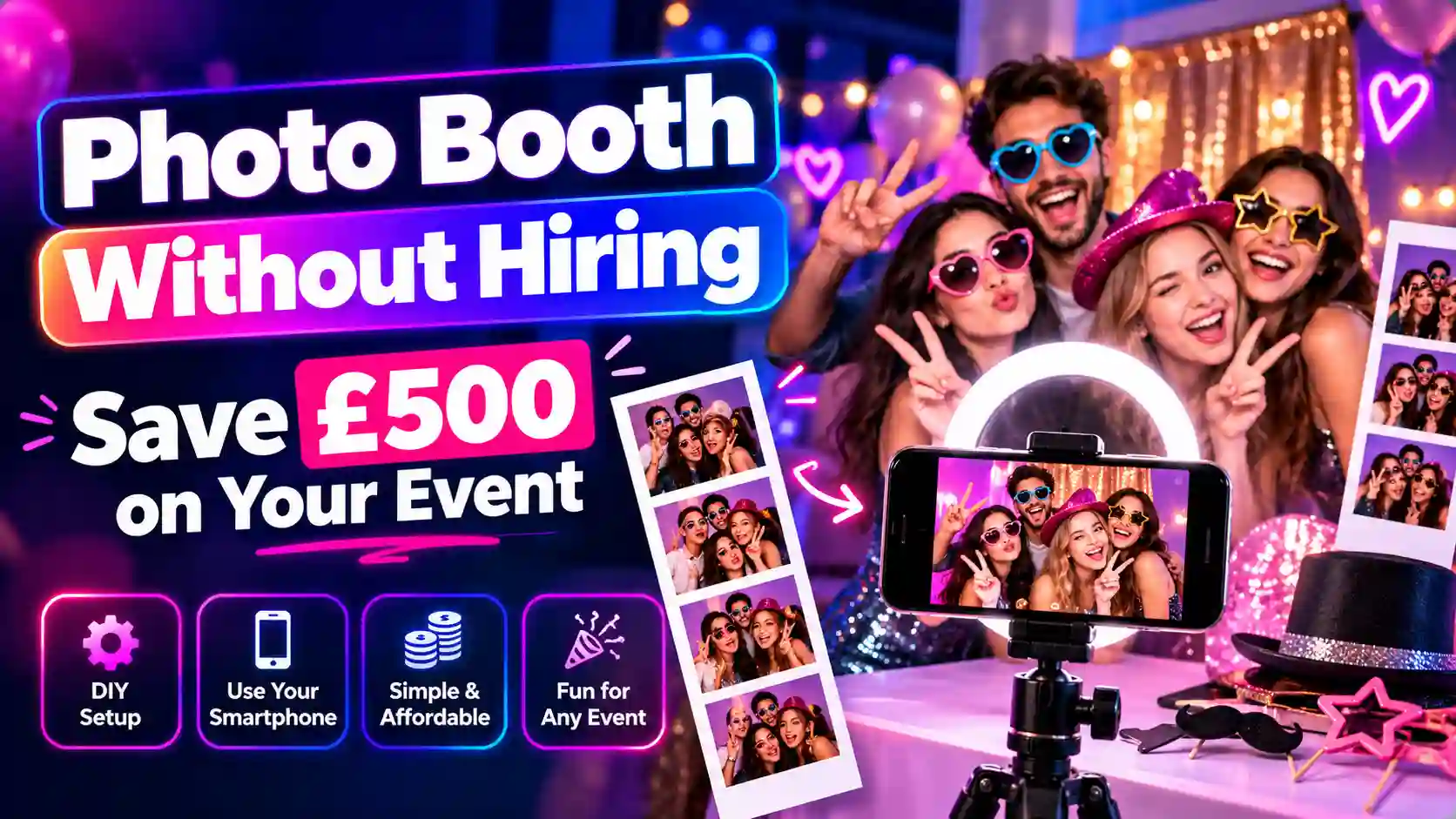
Spending £500 on a photo booth can feel excessive when you only want a fun activity for your guests. Fortunately, there are several ways to create the same kind of experience without paying for a full-service package. A photo booth without hiring a traditional supplier can be as simple as using a smartphone, tripod, light, and Instagram photo booth. For something closer to a ready-made booth, a delivered self-service option can also keep the work and cost under control. The best choice depends on your event, guest numbers, venue, and whether you want printed photos or digital pictures.
Can You Really Get a Photo Booth Without Paying £500?
Yes. £500 is a useful budget benchmark, but it is not a fixed UK photo booth price. Current UK supplier guides show a wide range of prices. Motion Entertainment lists photo booth hire from around £275, while premium setups can reach £600 or more. Other 2026 guides place many standard packages somewhere around £300–£600, depending on the booth and services included.
What pushes the price up is not simply the camera. Delivery, setup, an attendant, printing, backdrops, props, software, insurance, and collection can all form part of the final quote. For a small birthday party, you may only need a phone and tripod. online photo booth with 150 guests has very different requirements, especially if everyone expects quick photos.
There are three practical routes:
- DIY: Build the setup yourself using equipment you already own.
- Self-service: Hire or order a booth that guests can operate themselves.
- Professional hire: Pay a supplier to provide, set up, manage, and collect everything.
- Smartphone or tablet
- Tripod or stand
- LED light
- Backdrop
- Charger or power bank
- Photo booth software
- Props
- QR code or digital gallery
Each option solves a different problem, so the cheapest choice is not always the easiest one.
How Much Does Photo Booth Hire Cost in the UK?
Photo booth prices vary because suppliers offer different equipment, services, and event packages.
| Option | Typical planning range |
|---|---|
| Basic DIY setup | £0–£100+ |
| Complete DIY setup | £100–£200+ |
| Delivered self-service booth | £150–£350+ |
| Standard staffed hire | £275–£600+ |
| Premium or specialist setup | £600+ |
These figures are planning ranges rather than fixed market prices. Current UK guides show substantial variation between suppliers, booth types, event lengths, and included services. Travel can also affect the final quote. Printing, an attendant, longer hire periods, premium backdrops, and specialist booths may add to the total. For that reason, compare what is included rather than comparing the headline price alone.
What You're Actually Paying For When You Hire a Photo Booth
A photobooth hire package usually covers much more than taking pictures.
Equipment
The supplier provides the camera or tablet, lighting, screen, booth housing, and other equipment needed for the experience. Buying all of this yourself can be expensive if you only need it for one event. Using equipment you already own changes the calculation completely.
Delivery and Setup
Someone has to get the equipment to the venue and make sure it works. That can involve transport, unloading, assembly, testing, and packing everything away later. For a DIY setup, you take responsibility for these jobs yourself.
An Attendant
Some packages include a staff member who helps guests and keeps the booth running. That person can be useful at busy events. Guests may need help with the controls, props may need replacing, and technical problems sometimes need attention.
Printing
Printed photo strips look great on a guest table, but printing adds another layer of equipment and consumables. You need a suitable printer, paper, ink or dye, and enough supplies for the expected number of photos. Digital-only setups avoid much of this cost.
Backdrops and Props
A backdrop gives the camera area a defined look, while props make the photos more playful. You do not necessarily need expensive booth decorations. A clean wall, curtain, balloons, flowers, or simple event branding can work just as well for a casual party.
Software and Digital Sharing
Photo booth apps can add layouts, filters, countdowns, QR codes, galleries, and sharing options. The exact features depend on the software you choose. Check the app's current features before building your setup around a particular function.
Business Costs
Professional suppliers also have costs that guests never see. Insurance, equipment maintenance, storage, transport, staff time, website costs, software subscriptions, and replacement equipment can all form part of the business model. That is why a £400 or £500 quote is not simply paying someone to press a camera button. You are paying for equipment, labour, logistics, and convenience.
5 Ways to Get a Cheaper Photo Booth
1. Use a Smartphone You Already Own
The simplest setup starts with the phone in your pocket. Mount it on a tripod, position it at face height, and add a small light if the room is dark. A timer or photo booth app can handle the basic capture process. For a birthday, house party, or small gathering, this may be enough.
2. Turn a Tablet Into a Photo Booth
A tablet gives guests a larger screen and can make the controls easier to see. Place it on a stable stand and position a light behind or beside the camera. Test the camera angle before guests arrive because a wide group shot can look very different from a normal selfie.
3. Build a DIY Photo Booth
More control comes from putting several simple pieces together.
A typical setup might include:
You can spend very little if several of these items are already at home.
4. Choose a Delivered Self-Service Booth
Not everyone wants to build everything from scratch. Some UK suppliers offer self-service or postal-style photo booth options that are delivered to the customer and returned afterwards. Current supplier guides show some self-service options in the roughly £150–£350 range, although the exact package varies. This route sits between DIY and traditional staffed hire.
5. Reduce the Extras in a Traditional Package
Sometimes the booth itself is not the expensive part. Ask whether you can remove printed photos, an attendant, premium props, extended hours, or other extras. A simpler package may bring the quote closer to your actual needs.
How Much Does a DIY Photo Booth Really Cost?
Your final cost depends heavily on what you already own.
| Setup | Rough planning cost |
|---|---|
| Existing phone + simple background | £0–£20 |
| Phone + tripod | £15–£40 |
| Phone + tripod + lighting | £40–£100+ |
| More complete DIY setup | £100–£200+ |
| Delivered self-service booth | £150–£350+ |
These are practical budgeting ranges, not guaranteed retail prices. Equipment quality, software, lighting, printing, and other extras can change the total. The biggest saving usually comes from using equipment you already have.
DIY vs Professional Photo Booth Hire
| DIY | Professional hire |
|---|---|
| Lower upfront cost | Higher upfront cost |
| You control the setup | Supplier handles setup |
| Usually digital-first | Digital and print options |
| You solve technical problems | Supplier normally handles problems |
| Good for smaller events | Useful for larger or formal events |
| More preparation required | Less work for the organiser |
One option gives you more control over the budget. The other buys you convenience. Think about the event itself before deciding. Saving £300 may not feel worthwhile if you spend the whole evening fixing the booth instead of enjoying the party.
Do You Actually Need Printed Photo Strips?
Not every event needs a printer. Digital photos are easier to store and share. Guests can scan a QR code, open an online gallery, and save their pictures to their phones.
| Digital photos | Printed strips |
|---|---|
| Lower equipment cost | Extra printer required |
| Easy to share | Physical keepsake |
| No paper or ink | Paper and consumables needed |
| Works well for social sharing | Works well for guest books |
| No printer queue | Can create a memorable physical result |
A wedding may benefit from both. For a casual birthday, digital sharing may be all you need.
What Equipment Do You Need?
Start with the camera before buying anything else.
Smartphone or Tablet
The camera needs to produce clear images in the lighting available at your venue.
Tripod
A stable tripod keeps the framing consistent. Guests should not have to hold the device themselves.
Lighting
Good light often matters more than an expensive camera. A small LED panel or ring light can help in darker rooms. Position it so that it lights faces without creating harsh reflections.
Backdrop
Choose something that fits the event rather than covering the whole wall with decorations. A plain curtain, decorated wall, balloons, flowers, or branded background can all work.
Charger or Power Bank
Battery problems can stop the booth completely. Keep the device connected to power where possible. For outdoor events, carry a charged power bank as a backup.
Photo Booth Software
Software can provide countdowns, layouts, filters, galleries, QR codes, or sharing features. Check the exact features before the event because apps differ in what they support.
Printer
Printing is optional. If guests expect physical strips, test the printer with the exact paper and device combination before the event.
Props
Props are an easy way to make the photos more entertaining. Glasses, signs, hats, masks, and themed accessories can work without a large budget.
How to Set Up a DIY Photo Booth
Step 1: Pick the Location
Choose an area with enough room for the camera, guests, and lighting. Avoid placing the booth directly beside a busy doorway. Constant foot traffic can make photos difficult and create queues.
Step 2: Position the Camera
Set the device around face height and test a few group shots. Check the edges of the frame before the event starts. You do not want guests discovering that half of their group disappears from the picture.
Step 3: Add Lighting
Take a test photo with the room lighting alone. If faces look too dark, add an LED light and adjust its position until the image looks balanced.
Step 4: Set Up the Background
Keep the background clean and uncluttered. Leave enough distance between guests and the backdrop to prevent unwanted shadows.
Step 5: Connect Power
Use a charger or power bank so the device does not run out halfway through the event. Secure cables where people cannot trip over them.
Step 6: Test the Software
Run several complete test photos. Check the countdown, camera, filters, layout, saving process, and sharing method.
Step 7: Create Simple Instructions
Guests should understand the process without asking the host.
A small sign can say:
Step 1: Tap the screen.
Step 2: Get into position.
Step 3: Smile when the countdown finishes.
Step 4: Scan the QR code to get your photo.
Step 8: Test the Whole Setup
Do not test each component separately and assume everything will work together. Take several photos, save them, share one, and check the battery. If printing is included, print a test strip too.
Step 9: Prepare a Backup
Keep a charger, power bank, spare cable, and simple manual instructions nearby. A five-minute backup plan can prevent a small technical issue from becoming an event problem.
How to Make a Cheap Photo Booth Look Professional
You do not need expensive equipment to make the setup look polished. Start by choosing one clear visual style. Matching the backdrop, props, lighting, and event colours makes the booth feel more intentional. Lighting deserves particular attention. A badly positioned light can make even a good camera produce poor-looking photos.
Keep the photo area tidy as well. Random bags, chairs, cables, and rubbish in the background can make the pictures look less professional. Finally, test the camera angle with two or three people. A setup that looks perfect when one person stands in front of it may not work for a group.
How Many Guests Can a DIY Photo Booth Handle?
Guest numbers are useful for planning, but they are not a strict technical limit.
As a general planning guide:
| Guests | Practical approach |
|---|---|
| 10–30 | Phone or tablet setup |
| 30–75 | Dedicated device with simple sharing |
| 75–150 | Faster workflow or self-service booth |
| 150+ | Consider multiple stations or professional hire |
The more guests you have, the more important speed becomes. At a 20-person birthday, a few minutes of waiting may not matter. With 150 guests, a slow setup can create a long queue very quickly.
How Much Space Does a Photo Booth Need?
The device itself may take very little space, but guests need room to stand and move. Leave enough distance between the camera and backdrop for groups to fit inside the frame. Keep cables away from walking paths and avoid blocking doors or emergency routes.
For a larger event, think about the queue as well. The booth may work perfectly in a small corner, but the waiting guests still need somewhere to stand.
8 Events Where DIY Can Make Sense
1. Hen Party or Hen Do
Hen parties often focus more on fun than formal production. A themed backdrop, simple props, and digital sharing can create plenty of photos without needing a large enclosed booth. Keep an eye on the lighting if the party moves between rooms.
2. Small Venue
Limited floor space can make a large booth awkward. A tablet or phone setup takes much less room. Position it against a clean wall and keep the surrounding area clear.
3. Outdoor Garden Party
Outdoor events offer plenty of space, but they introduce weather and power problems. Use a shaded location where possible and protect equipment from direct sun, wind, and unexpected rain. Keep the setup stable because a lightweight stand can move in strong wind.
4. Last-Minute Event
A DIY setup can be useful when there is not enough time to arrange traditional hire. A smartphone, tripod, and simple background can be assembled quickly. Test everything before guests arrive rather than trying to troubleshoot during the party.
5. Destination Event
Transporting a full booth can be inconvenient when travelling. A phone or tablet setup is easier to pack and carry. Check local power requirements and internet access before relying on online features.
6. Office or Corporate Party
Corporate events may benefit from branded digital photos. A simple background can include the company logo or event theme. Before using branded material, check that you have permission to use the logo and any supplied assets.
7. School Event or Youth Club
Budget is often an important consideration for community events. A supervised tablet setup can provide a simple photo activity without the cost of a full commercial booth. Follow the organisation's rules around photography, consent, and storing children's images.
8. Casual Birthday Party
A birthday party usually does not need a complex production. Set the booth near the main activity, add a few props, and let guests take their own photos. Digital sharing keeps the setup simple and avoids managing a printer.
Common DIY Photo Booth Problems and Fixes
| Problem | Likely cause | Practical fix |
|---|---|---|
| Battery dies | Device not charging | Keep it plugged in or use a power bank |
| Photos look dark | Weak or badly placed light | Add and reposition a light |
| Groups do not fit | Camera too close | Move the camera farther back |
| Wi-Fi fails | Poor venue connection | Use features that work offline where supported or prepare a backup |
| Guests are confused | No instructions | Add a simple four-step sign |
| Long queue | Photos take too long | Use a faster workflow or add another station |
| Printer stops | Paper, power, or connection issue | Test supplies and connections beforehand |
| Outdoor setup moves | Wind | Use a stable stand and sheltered position |
Wi-Fi deserves special attention. Some photo booth software can provide offline features, while other tools rely on an internet connection for sharing or cloud-based functions. Check the specific software before assuming the whole setup will work without internet.
When Professional Photo Booth Hire Makes More Sense
DIY is not automatically the right answer. A professional service can be useful when you want someone else to manage the equipment, setup, guest assistance, printing, and technical problems. Large weddings, formal corporate events, and events with high guest numbers may justify the extra cost because the organiser has fewer jobs to handle. Professional hire can also make sense when you need features that would be difficult to reproduce yourself, such as specialist booth designs, an attendant, high-volume printing, or a more elaborate setup. The key question is not simply “Can I do it cheaper?”
Ask instead: “How much time and responsibility am I willing to take on?”
Is £500 Too Much for a Photo Booth?
Not necessarily. Current UK pricing shows that some basic photo booth packages cost considerably less than £500, while premium or more involved packages can exceed it. Motion Entertainment, for example, currently lists several booth categories from roughly £250–£500, while premium options can go higher. The final price depends on the booth type, event length, location, staffing, printing, and extras. A £500 package may therefore be reasonable for one event and unnecessary for another. Before paying, ask the supplier exactly what the quote includes.
What Are Your Printing Options After the Event?
Digital-first does not mean you have to give up printed memories. One option is to collect all the digital photos and print selected favourites later. Online photo printing services can produce individual pictures, albums, or other formats after the event. Another approach is to use a small photo printer during the event. This gives guests an immediate physical copy but adds equipment, paper, power, and queue management. For most DIY setups, waiting until after the event is simpler.
Frequently Asked Questions
Can I make a photo booth with my phone?
Yes, a smartphone, tripod, suitable lighting, and simple photo software can create a basic booth.
Is a DIY photo booth cheaper than hiring one?
Usually, the upfront equipment cost can be lower when you already own a phone, tablet, or lighting. However, DIY also requires your time and responsibility for setup and troubleshooting.
Do I need Wi-Fi for a photo booth?
Not always. Some software supports offline capture, while online sharing, cloud galleries, or other features may require internet access.
Check the exact software requirements before the event.
How much space does a DIY photo booth need?
There is no single required size. The important factors are camera distance, group size, backdrop space, lighting, cables, and room for guests waiting to use it.
Is £500 a normal photo booth price in the UK?
It can fall within the range of current UK photo booth packages, but prices vary widely. Supplier guides currently show basic options below £500 and premium packages above it.
What is the cheapest way to make a photo booth?
Using equipment you already own is usually the simplest way to keep the cost down. A smartphone, tripod, basic background, and existing room lighting may be enough for a small event.
Can I print photos without hiring a professional booth?
Yes. You can either use a compatible photo printer during the event or print selected images afterwards.
When should I hire a professional instead?
Consider a professional when guest numbers are high, the event is formal, printing is important, or you do not want to manage technical problems yourself.
Final Thoughts
You do not need to spend £500 to give guests a fun photo experience. For a small party, an existing smartphone and a simple setup may cover everything you need. Larger events require more planning because queues, power, lighting, and guest numbers become more important. The right choice comes down to the balance between money, time, convenience, and the experience you want your guests to have.
If saving money matters most, DIY can be worth considering. If your priority is having someone else handle the details, hiring a professional may justify the additional cost. Either way, a well-planned photo booth without hiring can still give guests plenty of memorable pictures without turning your event budget upside down.
Ready to try this in your browser?
Launch our free 3D studio, test out vintage filters, and save your photo strip instantly.