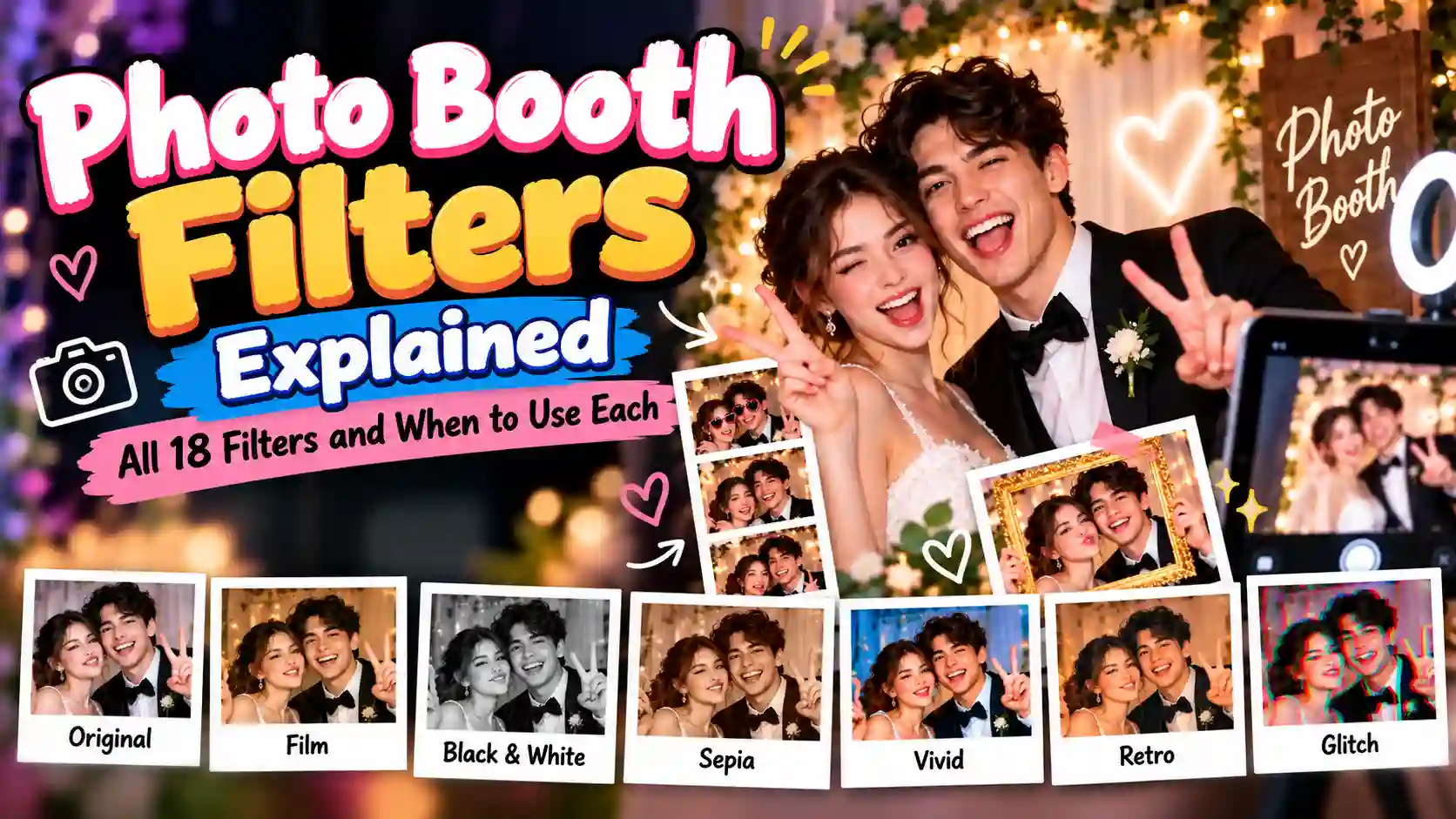
Photo Booth Filters Explained: All 18 Filters and When to Use Each
Discover all 18 photo booth filters and learn when to use each one. From classic black and white and film effects to retro, Y2K, VHS, and glitch styles, this guide helps you choose the right filter for your lighting, event, and photo style.
Most photo booth filters come with a short name and a tiny thumbnail, and that is rarely enough to choose well. You pick one, take the strip, and the result turns out darker, yellower or flatter than you expected.
This guide explains what 18 common looks actually do to your picture and when each one helps or hurts. Booths name their looks differently, so one app may say "Vintage" where another says "Retro", but these 18 cover most of what you will find. Once you know what a filter changes, choosing from any set of photo booth filters gets much easier.
If you are planning to create your own booth, you can also explore Photobooth options before choosing your filters. Testing the camera and filter style together can help you see how the final photos will actually look.
What a Filter Actually Changes
Nearly every filter is a mix of five adjustments:
- Brightness: makes the whole picture lighter or darker.
- Contrast: the gap between dark and bright areas. High contrast looks bold and dramatic. Low contrast looks soft and faded.
- Saturation: how strong the colors are. With none left, you get black and white.
- Tint: a color cast over the whole image, such as warm gold or cool blue.
- Texture: anything added on top, such as grain, a darker edge called a vignette, or scanlines.
When you can see which of these a filter is changing, the choice stops being a guess. A room with harsh overhead light already has plenty of contrast, so a filter that lowers it helps. A dim room needs the opposite.
Start With Your Lighting, Not Your Theme
The room usually matters more than the party theme. A filter can improve decent light, but it cannot rescue very poor light.
| Your Lighting | The Usual Problem | Filters to Try |
|---|---|---|
| Window light or good daylight | None, this is ideal | Original, Film |
| Harsh overhead or fluorescent | Hard shadows under the eyes, too much contrast | Soft Matte, Film, Glam |
| Dim room with warm lamps | Flat, muddy, grainy | Flash, Classic Black and White |
| Colored party or LED lights | Skin tones shift to odd colors | Classic Black and White, Noir |
| Overcast outdoors | Gray and lifeless | Golden Hour, Vivid |
| Strong direct sun | Hard shadows, bright spots, squinting | Film, Retro |
| Mixed light (lamp plus window) | Two competing color casts | Classic Black and White, Sepia |
Black and white keeps showing up in that table for a reason. It removes color, so a bad color cast has nothing left to affect. It does not fix brightness or contrast, though, so a very dark room still needs a filter that adds contrast.
Everyday Photo Booth Filters (1-4)
These four improve a picture without drawing attention to themselves. Most people will use them most of the time.
1. Original
Original shows the image exactly as the camera captured it. If the light is good, start here, because every filter changes colors and skin tones and can make a well-lit photo worse. Skip it when the room is dim or lit by colored lights.
2. Film
Film usually adds mild contrast, slightly softer color and a hint of warmth. It is the safest pick when you are unsure, because it rarely looks heavy and suits groups, mixed ages and most skin tones. It will not save a very dark room.
3. Soft Matte (Faded)
Soft Matte lowers contrast and lifts the blacks, so nothing in the frame looks fully black. That softness helps under harsh overhead light, where shadows are the main problem. Avoid it in dark rooms, because lifting the shadows also makes grain and color noise easier to see.
4. Glam (Skin Smoothing)
Glam softens skin texture, brightens the whites and deepens the blacks. It is popular at weddings and formal events, often paired with black and white. Keep the strength low if you can adjust it, because heavy smoothing can make faces look plastic. Not every booth offers this filter.
Photo Booth Filters That Rescue Bad Lighting (5-7)
These three add contrast or remove color, which makes them useful when the room is working against you.
5. Classic Black and White
Classic Black and White removes color and usually adds some contrast. It is the closest match to the strips from old coin-operated booths, and it keeps faces readable in groups. Skip it when color is the point, such as a bright theme or colorful outfits.
6. Noir
Noir is black and white pushed further, with deeper shadows and often a vignette. It looks dramatic on one or two faces. On a large group, the people at the back can disappear into the shadows, so Classic Black and White is the better choice there.
7. Flash
Flash imitates a direct on-camera flash: hard light, strong contrast and a slightly flat look. It works well in dim rooms because it separates faces from the background. It is also unforgiving, since it shows skin texture and shiny spots, so it is a poor fit for soft, romantic portraits.
Photo Booth Filters for Mood and Era (8-13)
These filters set a feeling or a time period. They work best when the look matches your event.
8. Sepia
Sepia turns the picture into a single brown tone, like an old print. It suits vintage, western or historical themes. Do not expect it to match the classic photo strip look, because most of those strips were black and white.
9. Retro (Vintage)
Retro is warm and slightly faded, with a shift toward amber. It gives parties a nostalgic feel. It can turn bright white into cream, so a white dress may look off-white.
10. Golden Hour
Golden Hour mimics warm late-afternoon light, usually with stronger warmth than Retro and sometimes a vignette. It flatters most skin and helps flat overcast days. Strong warmth can turn white clothing or pale blue decor yellow.
11. Cool Tone
Cool Tone shifts the picture toward blue and teal for a clean, modern or wintery look. It suits tech events, minimal styling and winter parties. Under a strong blue tint, skin can look pale, so check a test shot first.
12. Vivid
Vivid raises saturation and contrast to make colors pop, much like a toy-camera look. It is best when the scene already has color, such as balloons, costumes or a bright backdrop. It does little for a plain wall and can push skin toward orange or red.
13. Y2K Chrome
Y2K Chrome gives a bright, slightly overexposed, cool-toned look with a metallic shine, like early digital cameras. It fits a 2000s theme very well. It is a poor choice when you want natural skin color.
Novelty Photo Booth Filters (14-18)
These are effects, not corrections. One novelty frame in a four-photo strip is a joke. Four of them in a row is hard to read.
14. VHS
VHS softens the image and adds color bleed, scanlines and tape noise. It is the gentlest of the novelty group, so it can run across a whole strip. It suits 80s and 90s themes, though it also blurs fine facial detail.
15. CCTV
CCTV makes the picture gray, grainy and low in color, like a security camera, sometimes with a timestamp. It is funny as a single frame and weak for portraits.
16. Glitch
Glitch splits the color channels and shifts bands of the image sideways, like a corrupted video. It looks best when someone is moving. On a busy background it becomes hard to read.
17. Thermal
Thermal paints the picture in a heat-map palette, from cool blues to hot reds and yellows. It is not showing real heat. A real thermal camera measures temperature, while this filter simply assigns colors based on brightness. It gets reliable laughs because faces turn unexpected colors.
18. Night Vision
Night Vision creates a grainy green monochrome picture like night-vision goggles. It suits Halloween and spy themes. It is intense, so it is best for one or two frames.
How to Pick Photo Booth Filters for Your Event
| Event | Good Choices | Why |
|---|---|---|
| Formal or black-tie wedding | Classic Black and White, Glam, Film | Clean and timeless, and it hides mixed lighting |
| Colorful or garden wedding | Original, Film, Golden Hour | Keeps the colors of the venue |
| Birthday party | Flash, Vivid, Y2K Chrome | Bold and fun in busy light |
| Graduation or prom | Flash, Film, Retro | Energetic and works in dim venues |
| Retro or throwback theme | Sepia, Retro, VHS, Y2K Chrome | Matches the era |
| Halloween | Night Vision, Glitch, Thermal | Spooky and playful |
| Corporate event | Original, Film, Glam | Neutral and professional |
Note: The same filter can look different on different cameras and screens. Always take a quick test photo before the event instead of choosing only from the filter thumbnail.
Photo Booth Filters and Skin Tones
Filters do not treat every skin tone the same way. Very dark, high-contrast filters can swallow detail in deeper skin, while bright, low-contrast ones can wash out very pale skin. Strong warm or cool tints can also push skin toward orange or gray.
The simplest fix is a test shot with the real people who will use the booth. If a filter has an adjustable strength, such as Glam, start low and raise it only if needed.
Note: If your booth will be used by many different guests, choose a balanced filter instead of one designed for a very specific look.
Screen vs. Print
A photo on a bright screen often looks different once it is printed. Prints tend to look darker, so very dark filters like Noir and Night Vision can lose shadow detail on paper. If prints matter, choose a filter that keeps some brightness, such as Film or Classic Black and White, and print a test strip before the event.
If you are still deciding between a traditional booth and a browser-based setup, our guide on what an online photo booth is and how it works explains how the browser option works and what to expect from it.
Mistakes to Avoid
- Using a heavy filter on bad light. A strong warm filter in a dim room gives a muddy brown picture. Improve the light first, then add a filter.
- Running a novelty filter on every frame. Mix one effect with normal frames so the strip stays readable.
- Choosing from the thumbnail alone. A small preview hides how a filter treats real faces and clothing.
- Ignoring the group size. Dark, dramatic filters suit one or two people, not a crowd.
For more ideas about building a booth without paying for a rental company, you can also read our guide on how to get a photo booth without hiring a company. It covers different DIY setups and the practical problems you should check before the event.
Frequently Asked Questions
What is the best filter for a dark room?
Flash or Classic Black and White. Flash adds contrast and separation, and black and white hides color noise. Avoid Soft Matte, because it makes noise more visible.
Which filter works best for group photos?
Film or Classic Black and White. Both keep faces readable across a group. Noir and other very dark filters can lose the people at the back.
Which filter gives the classic photo booth strip look?
Classic Black and White, ideally with strong contrast and slightly darker tones.
Can I change the filter after taking the photos?
It depends on the booth. Some apps and web booths let you swap the filter on the finished strip, while many event booths apply it at capture. Confirm this before your event.
Do filters lower photo quality?
Usually they change color and tone, not resolution. Some tools, however, apply the filter to a compressed preview, and heavy grain or blur effects can hide detail. Check the export or print settings if sharpness matters.
What filters does Apple's Photo Booth have?
The Mac app offers 24 effects across three pages: face effects, photo filters and distortions. The photo filters include Sepia, Black and White, Thermal Camera and X-Ray, so it covers only a few of the styles above.
What is the best filter for a wedding?
It depends on the venue. Classic Black and White or Glam suits a formal, black-tie setting. Original, Film or Golden Hour suits a colorful venue where the decor should show.
Conclusion
The best photo booth filters are the ones that match your lighting first and your theme second. Use Original or Film when the light is good, black and white or Flash when it is not, and save the novelty effects for one or two frames. When you are unsure, take a quick test shot with the real group and compare before the event begins.
Ready to try this in your browser?
Launch our free 3D studio, test out vintage filters, and save your photo strip instantly.