Free Online
Photo Booth & Photo Strips
Take iconic 4-cut vertical strips, polaroids, and 2x2 collages right from your webcam or phone. Customize with 100+ frame colors, vintage film grain, and cute stickers — 100% free, private on your device, and instant print-ready in your browser.





Taking fun photos should not require special equipment or a complicated setup. A browser, a camera, and a good moment can be enough to create something worth keeping. Our photobooth brings that simple experience online, so you can take pictures, create photo strips, and add your own style from a supported device.
You can use the photobooth online without turning the experience into a long setup process. Open the tool, give your browser camera access, choose the available layout, take your photos, and customize the result before saving it. Whether you want a quick picture with friends, ideas from our photo booth blog, or a photo strip for a special event, the goal is simple: make taking photos more enjoyable and give you a finished image you will want to keep.
What Is an Online PhotoBooth?
A photobooth is a photography setup designed to let people take pictures by themselves or with others. Since the emergence of the classic photo booth, traditional booths usually have a camera, screen, lighting, and a small space where people pose together, while a digital photobooth can bring much of that experience to a computer, phone, or tablet. An online photobooth takes the idea a step further by making the experience available through a web browser. Instead of looking for a physical booth, users can open a website, use a supported camera or webcam, and create photos directly from their device. To explore all features and setups in detail, read our complete guide on what an online photo booth is and how it works.
Photo Booth Webcam
A photo booth webcam is especially useful on laptops and desktop computers because most modern devices already include a built-in webcam. You can sit in front of the screen, check your position, and take your pictures from the same device.
Photo Booth on iPhone & Mobile
You can also use a photobooth on an iPhone through a supported browser. This photo booth iPhone setup gives you a simple way to take pictures with the camera already available on your phone, perfect for quick selfies or moving around during events.
Laptop, Phone, or Tablet
Your device can change the way you use an online photo booth. A laptop gives you a larger screen and a built-in webcam, while a phone is easier to move around and can be more convenient during a party or family gathering.
Pro Tip: Before taking photos, make sure your browser has permission to access the camera. If it does not appear, check browser settings and make sure another app is not using it.
How PhotoBooth Works
Everything runs 100% locally in your browser. Fast, private, and endlessly customizable.
Open the Photobooth
Start by opening the photobooth in a supported web browser. The tool is built to get you straight into the camera experience quickly without friction.
Allow Camera Access
Allow your browser camera permission so the tool can display the live video feed and capture your pictures directly on your device.
Choose Your Layout
Select the layout that matches your vision—from single portraits to multi-shot classic 4-cut vertical strips and grid collages.
Take Your Photos
Pose in front of the lens. Leave room for friends and face a good light source instead of a bright background for crisp, sharp shots.
Customize Your Photo
Apply your favorite styling options: frames, colors, vintage filters, real-time effects, and creative stickers to personalize the memory.
Download Your Finished Photo
Save your completed image instantly to your phone or computer with high-resolution export, ready to keep, print, or share.
PhotoBooth Features for Creative Photos
A useful photobooth should do more than simply activate a camera. The real fun starts when you can decide how your pictures should look after they are captured. The available features can turn a basic camera image into something that feels more like a finished photo-booth creation.
Multiple PhotoBooth Layouts
Layouts determine how captured pictures are arranged in the final design. A simple layout can work well for one person, while a multi-picture arrangement is useful when several photos need to appear together. Instead of keeping every picture as a separate file, a strip layout brings several moments together in one design.
PhotoBooth Filters and Effects
Filters change the visual appearance of an image, while effects add another layer of creativity. An online camera with filters makes the photo-taking process itself more interesting. You can try different looks and choose the result that feels right instead of settling for the first picture.
PhotoBooth Editor
A photobooth editor gives you more control after the camera has captured the image. Instead of treating the original picture as the final result, editing lets you adjust the presentation and create a design that feels personal, intuitive, and intentional.
Photo Strips and Custom Frames
Photo strips are one of the most recognizable formats associated with photobooths. A photo strip generator is useful for birthdays, parties, weddings, and casual sessions where several moments belong together, with stylish frames that require zero design software.
Digital Stickers & Creative Elements
Small design elements change the mood of a picture without covering the main subject. Hearts, shapes, stickers, and decorations are great for playful photos—such as photobooth hearts for couples, weddings, Valentine's Day, or fun moments with friends.
Download Your Photobooth Photos
Once the photo has been created, the finished image becomes the part you can keep. Your photos can become personal memories, social posts, event pictures, or simple files that stay on your device for later use with instant, high-resolution saving.
Choose Your Photo Layout
Select from vertical 4-cut arcade strips, 3-pose portrait strips, 2x2 grid collages, and vintage polaroids.
layout A
Classic vertical 3-shot strip with generous margins and bottom stamp
layout B
Iconic Korean 4-cut vertical strip with balanced editorial framing
Hearts Filter Layout
Cute blush pink frame with sparkling hearts and rosy glow
Dog Filter Layout
Playful puppy ears and nose sticker theme with soft pastel frame
Vintage Layout
1970s warm sepia film aesthetic with Kodak cream border and date stamp
Solace Layout
Minimalist calm aesthetic with cool undertones and slate finish
Photo Filters and Effects
Transform your look with 18 curated analog film shaders, soft beauty tones, and face-tracked AR overlays.
Create PhotoBooth Photos in Different Styles
Not every picture needs the same visual style. Some people prefer a clean modern design, while others like the look of older photobooths, instant photographs, or simple black-and-white images. Giving users different visual directions can make the same camera experience feel different each time.
Classic PhotoBooth Style
The classic photobooth look usually focuses on a simple arrangement of several pictures. The people in the frame remain the main attraction, while the layout and border give the final image its familiar booth-style appearance—ideal for capturing natural, spontaneous moments.
Vintage PhotoBooth Style
A vintage photobooth online experience appeals to people who like older photography styles. Vintage designs often use simple frames, softer visual treatment, or layouts inspired by older photo strips, transforming everyday photos into cherished keepsakes.
Polaroid-Style Photos
A polaroid style gives a picture the appearance of an instant photograph. The classic idea includes a photograph surrounded by a simple border, creating a physical-photo feeling even when the final image is digital. Great for portraits, couples, and travel memories.
Black and White PhotoBooth
Black-and-white photography removes color and puts more attention on faces, expressions, lighting, and contrast. A black and white style gives a simple picture a more classic appearance, standing out from the usual colorful photos stored on your phone.
Aesthetic PhotoBooth Photos
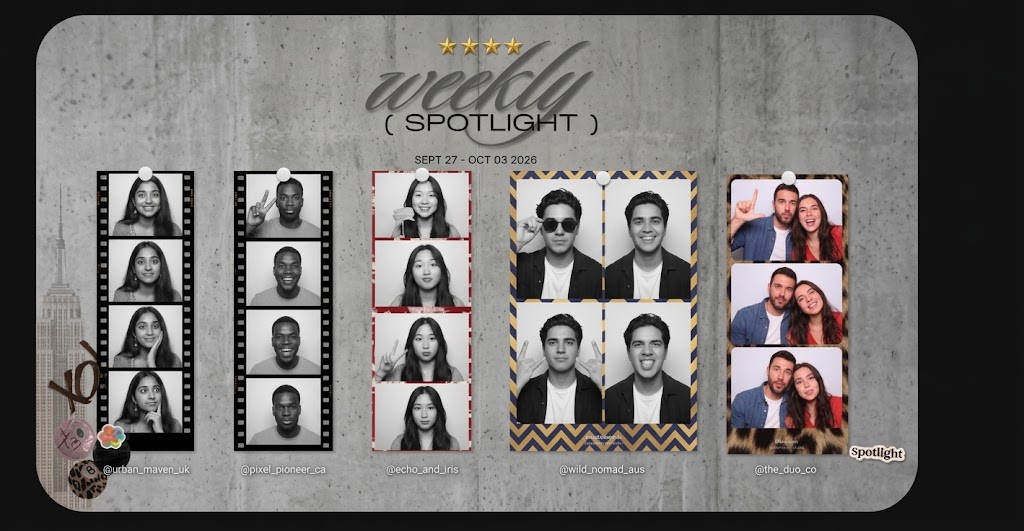
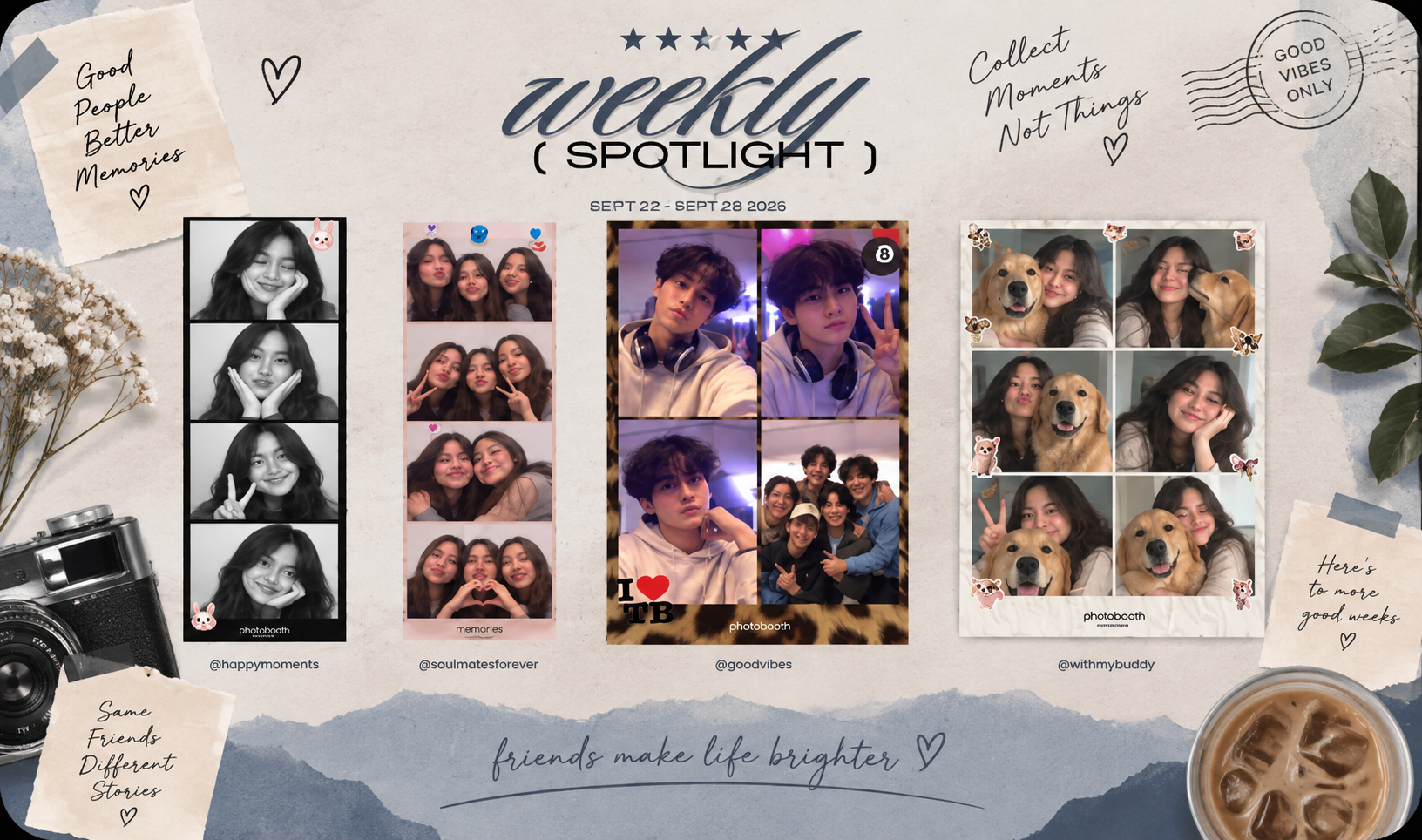
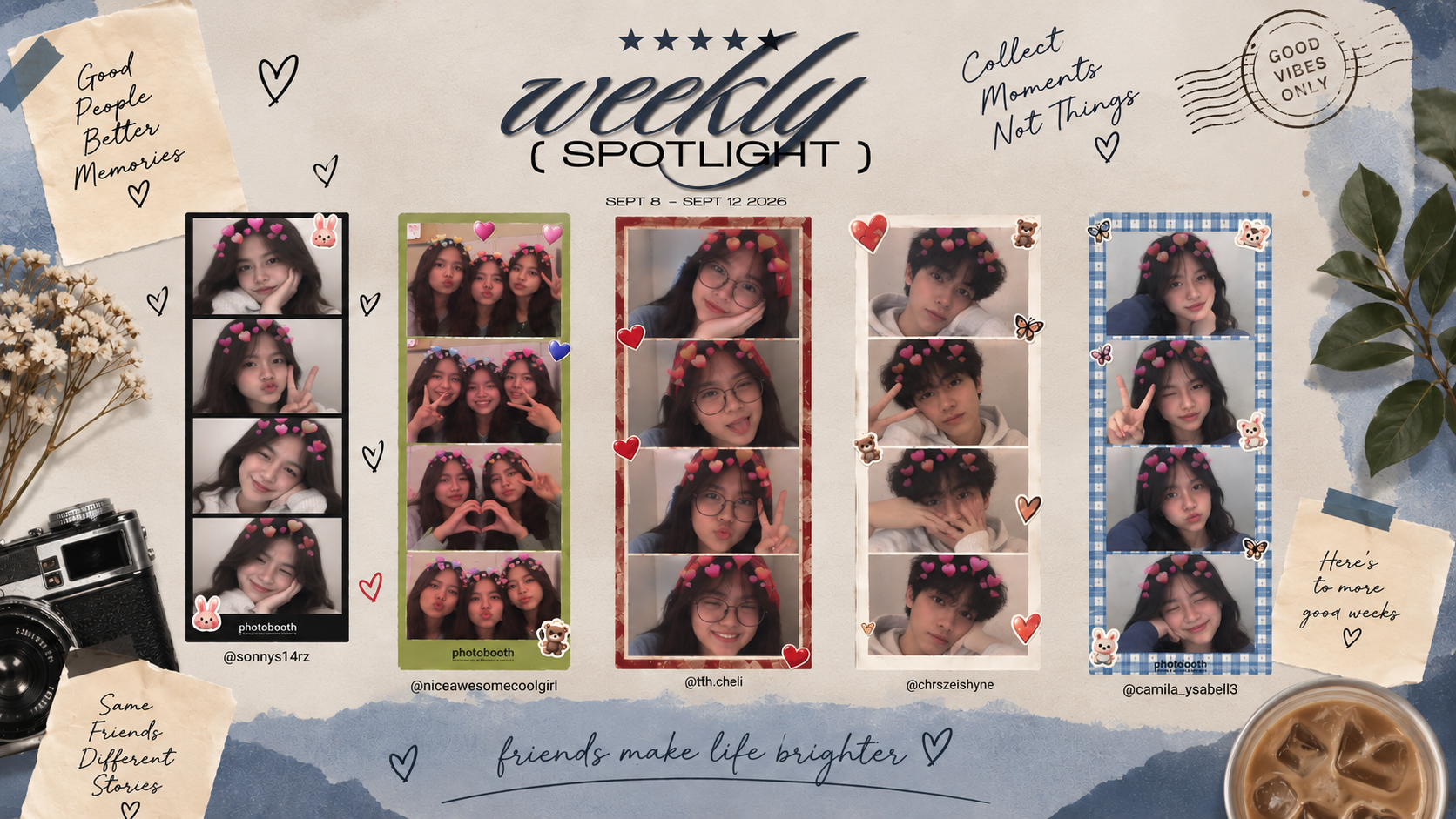
An aesthetic photobooth style does not have one fixed appearance. It can refer to a carefully chosen combination of layout, color, frame, lighting, and visual effects. Explore trending inspiration on our community spotlight to discover how creators style soft pastels, vintage monochrome, and playful party collages.
Make Photo Strips Online
A photo strip puts several pictures into one connected design. Instead of downloading each photograph separately, the strip brings a series of moments together so they can be viewed as one finished piece. A single strip can show different poses, expressions, or moments from the same group.
Use a Free Online PhotoBooth
A free online photo booth experience is useful when you want to create pictures without investing in dedicated photo-booth equipment. Convenience is the main advantage—the camera and screen you already have provide everything needed to get started right in your browser.
Use a PhotoBooth for Any Occasion
A photobooth can fit into many events because taking pictures is an activity that does not require everyone to follow the same routine. Guests can pose together, try different expressions, and create something they can keep after the event.
Weddings and Engagements
Weddings create many natural photo opportunities, from pictures with close family to relaxed moments between friends. A photobooth gives guests a less formal way to create memories during the celebration that they can save after the day is over.
Birthday Parties
Birthday parties are full of groups that want quick and funny pictures. A camera-based booth gives guests an activity they can do together while creating photos that reflect the mood of the celebration with colorful frames and playful stickers.
Parties and Gatherings
A casual party does not always need a professional photography setup. Friends can use a selfie booth or online camera experience to take pictures together without interrupting the event, producing spontaneous, natural group shots.
Graduations and School Events
Graduation is a milestone that people want to remember with classmates and friends. A digital photobooth provides a simple way to capture groups of people who may not otherwise get a picture together, ideal for school clubs and celebrations.
Corporate and Brand Events
Companies can use an interactive photobooth as part of an event experience. A photo activity gives employees or guests something social to do while creating digital memories of the occasion that can match company or campaign branding.
Family and Holiday Celebrations
Family gatherings often bring people together who do not get to take pictures with each other very often. A photobooth makes those moments more deliberate without turning the gathering into a stiff or formal photo session.
Your Photos and Camera Privacy
Camera access is important because an online photo booth needs permission to use your device's camera. When your browser asks for permission, it is simply asking whether the website can access the available camera. Photo handling can be different on each photo booth website. Some tools process images directly on your device, while others may upload them to a server for processing or storage. That is why it is important to check how a service handles your photos before using it.
Why Use a Digital Photobooth?
People use digital photobooths because they are simple, flexible, and easy to access. They offer a quick way to take and keep photos without needing a traditional booth:
"I found the tool simple to use without needing any extra software or equipment. After allowing camera access, I could quickly take photos and try different layouts and creative options. The photo booth was also convenient because I could use my existing device instead of setting up a traditional booth. I liked that the finished photos could be downloaded and kept on my device."
Common Photo Booth Camera Problems & Solutions
Most camera problems are easier to solve when you check the basic settings first. The exact solution depends on the device and browser you are using, but several problems appear often:
Camera Is Not Working
First, check whether the browser has permission to use your camera. If permission was previously denied, open the browser's site settings and allow camera access before refreshing the page.
Browser Cannot Access Camera
Another application may already be using the camera. Close video-call software or other camera applications and reopen the photo booth. Confirm the right camera is selected if your device has multiple lenses.
Photo Looks Dark or Blurry
Lighting has a large effect on a camera image. Try facing a light source and avoid placing a bright window directly behind you. Clean the camera lens if the image looks unusually soft or hazy.
Not Working on Mobile
Check whether your browser supports camera features. Make sure camera permission is enabled and refresh after granting access. Testing on another browser helps identify if the issue is device-specific.
Explore Featured Photo Creations
Browse creative photo strips submitted by our global community and vote for your favorite styles on the community spotlight wall.
Saturday Night Besties 💖
Retro Film Tokyo Nights 🗼
Golden Hour Smile ✨
From the PhotoBooth Blog
 Photography Tips
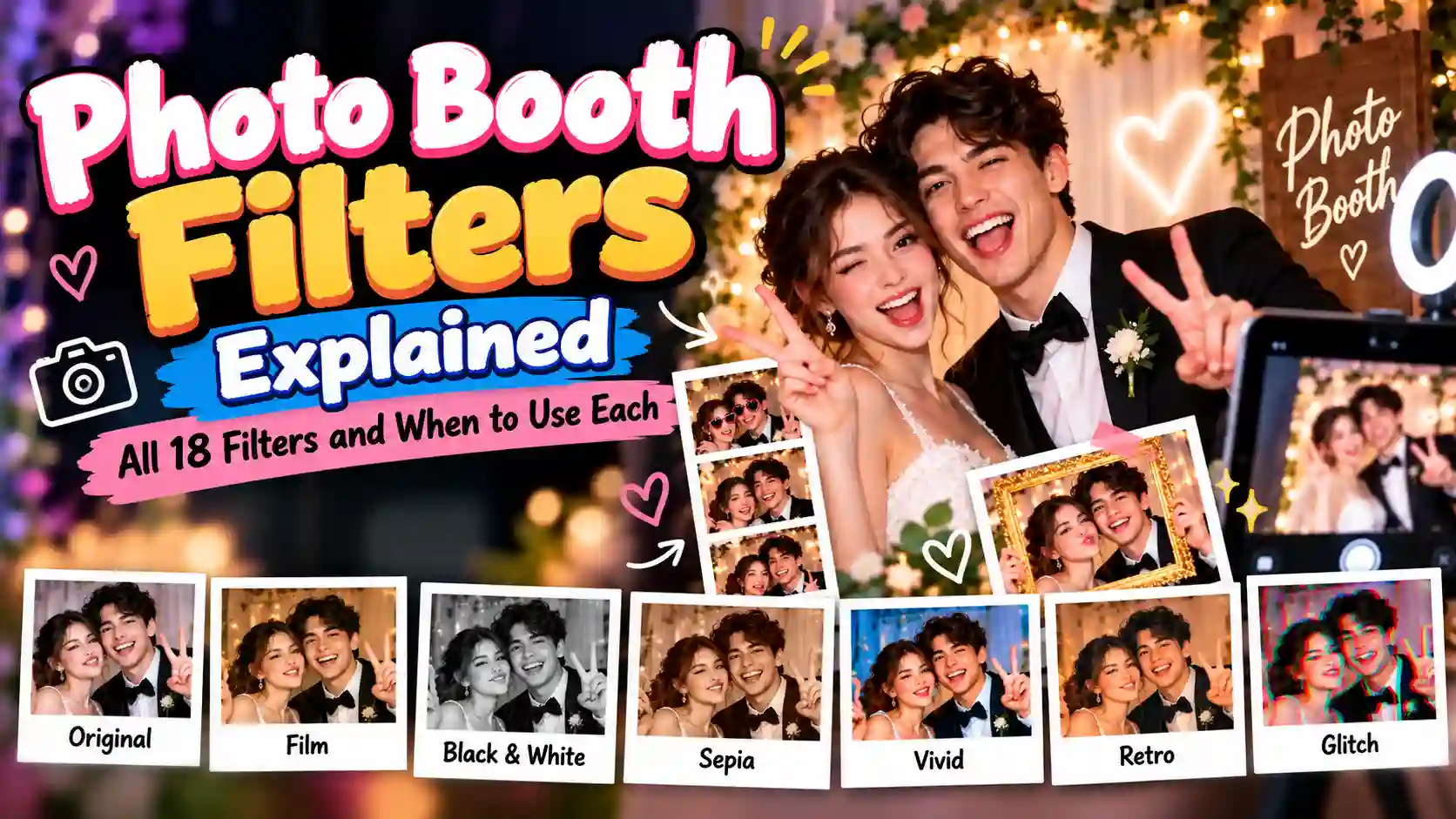
Photo Booth Filters Explained: All 18 Filters and When to Use Each
Discover all 18 photo booth filters and learn when to use each one. From classic black and white and film effects to retro, Y2K, VHS, and glitch styles, this guide helps you choose the right filter for your lighting, event, and photo style.
 Photography Tips
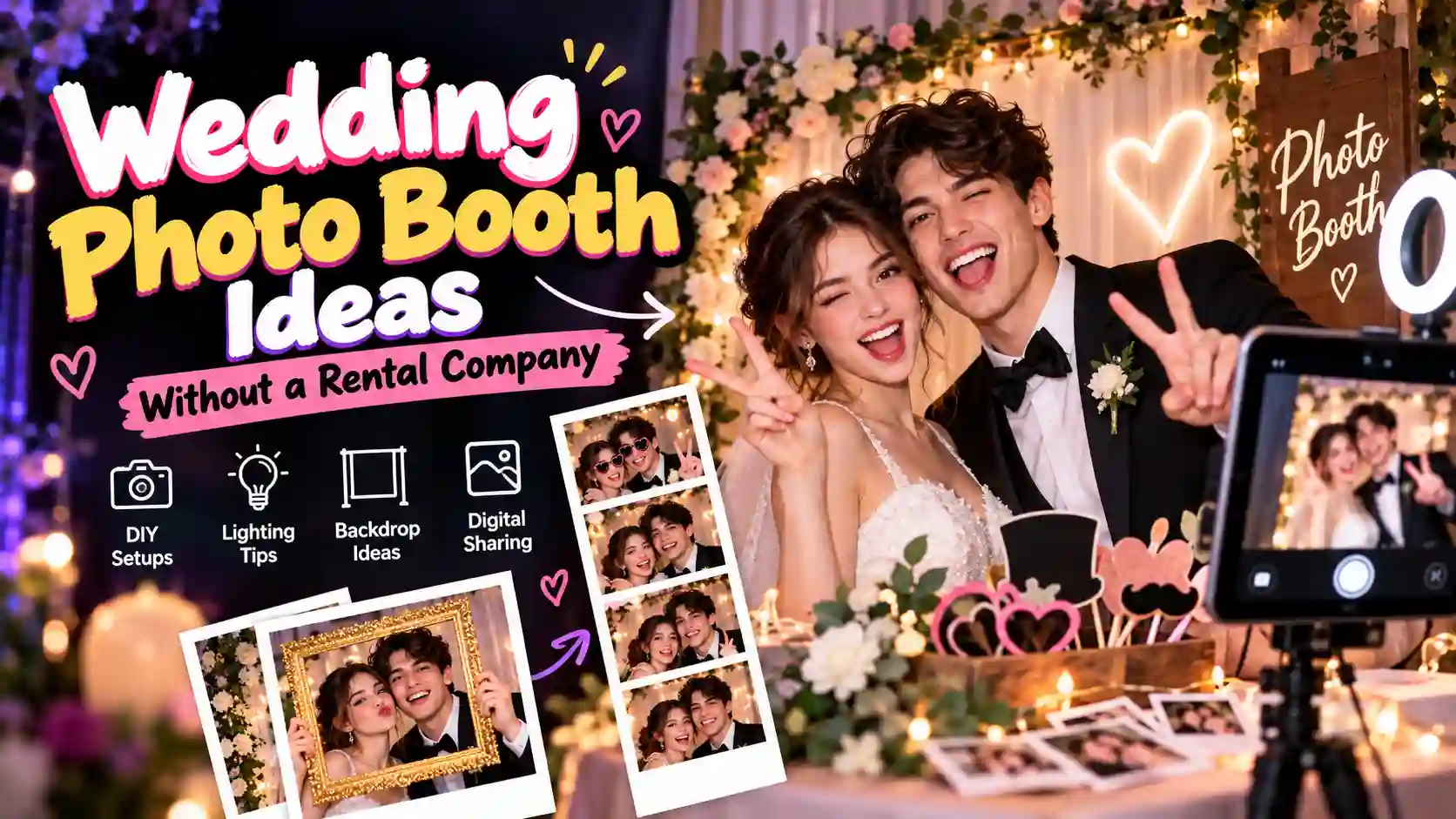
Wedding Photo Booth Ideas That Do Not Need a Rental Company
Discover simple wedding photo booth ideas you can set up without a rental company. Learn about DIY setups, lighting, backdrops, digital sharing, and more.
 Events & Guides
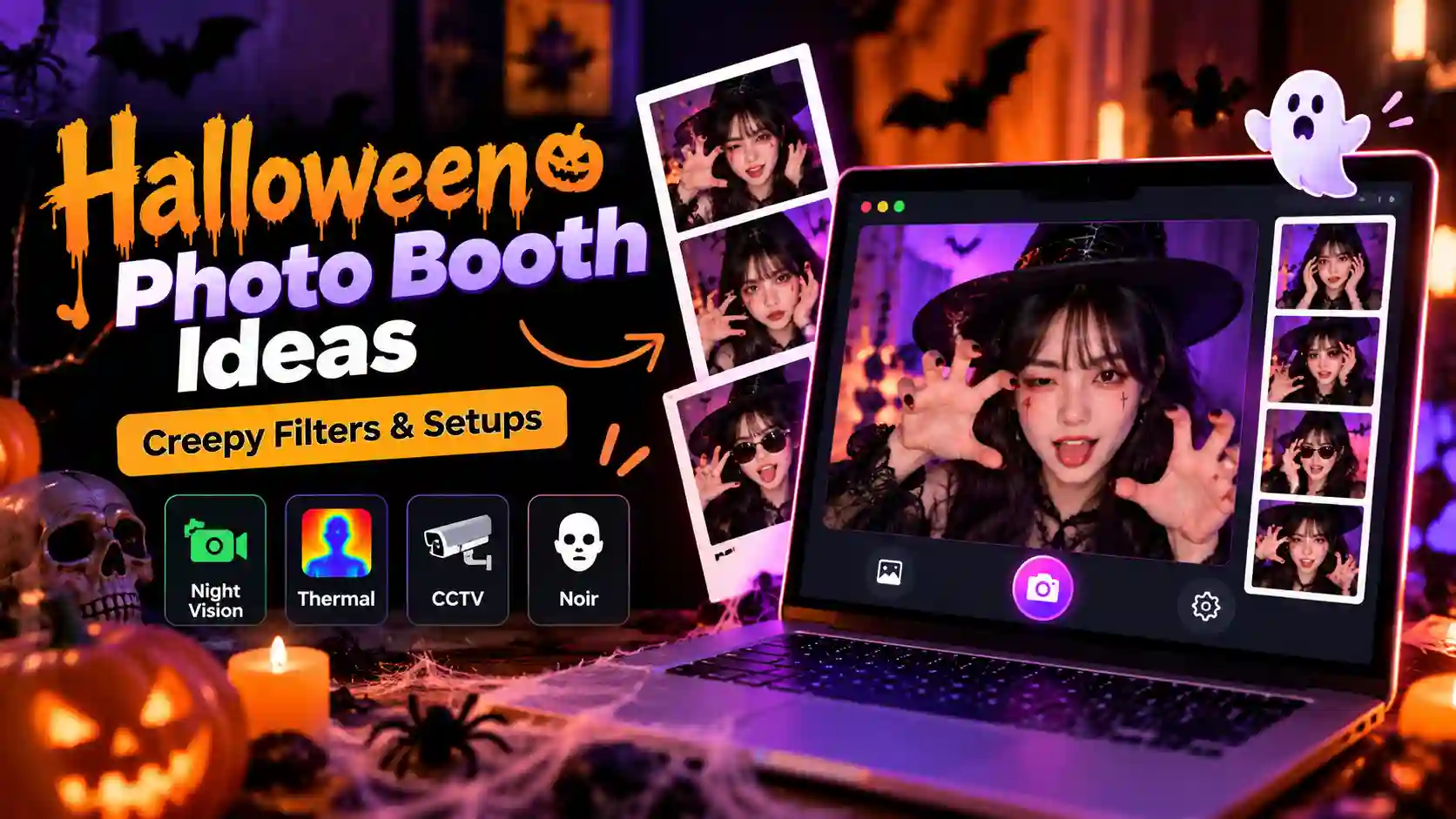
Halloween Photo Booth Ideas: Filters and Setups That Actually Look Creepy
Discover Halloween photo booth ideas with creepy filters, dark lighting, spooky backdrops, fun poses, and simple setups for unforgettable photos.
Frequently Asked Questions
Everything you need to know about taking, customizing, and printing instant photo strips with PhotoBooth.
A photo booth is a photography setup that lets people take pictures, usually by themselves or with a group. A digital version can provide a similar experience through a computer, phone, tablet, or another supported device.
Free Online Photo Booth & Photo Strips
An online photobooth makes taking fun photos simple and accessible from a supported device. You can take pictures, try different layouts and effects, create photo strips, and save the finished result. Whether you are taking photos with friends or planning a small event, a digital photobooth can provide an easy way to capture and keep those moments.